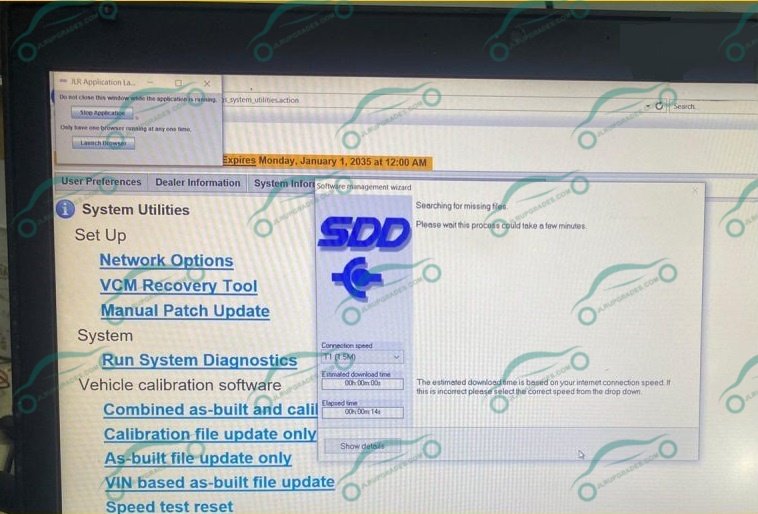
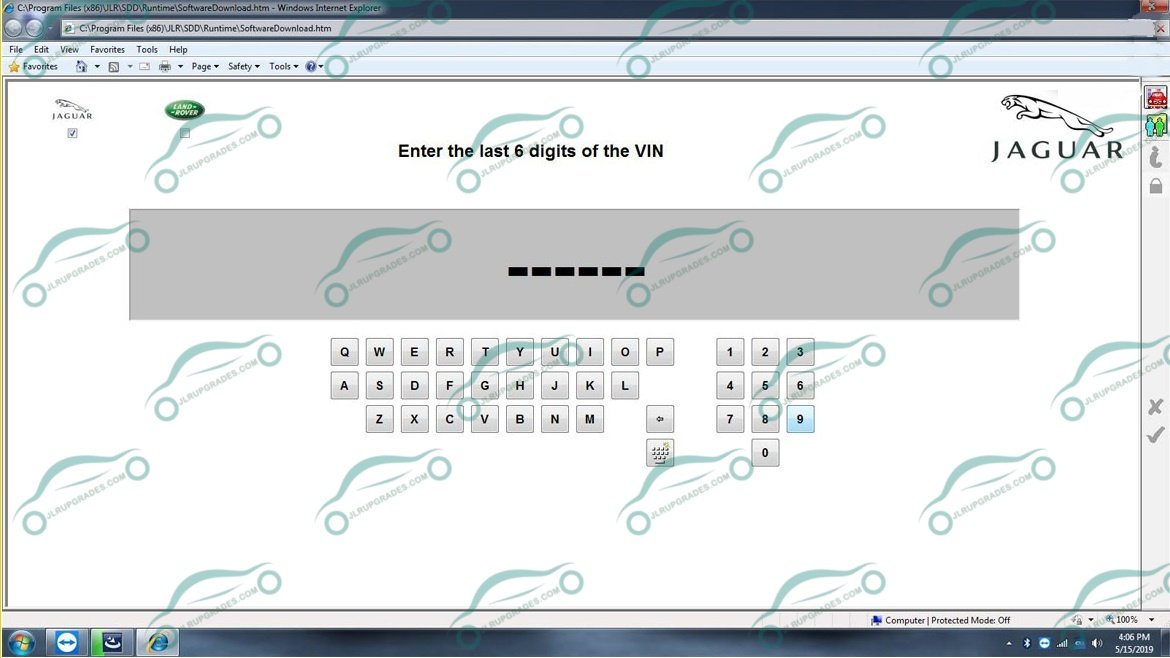
JLR SDD V168 Diagnostic Software 07-2025 Remote Installation
$99.00 $96.03
Get the latest JLR SDD V168 (07-2025) diagnostic software for Jaguar and Land Rover. Includes dealer-level coding, remote installation, and full system support.
| Qty Discount | Qty Range | Discount |
|---|---|---|
| Bulk/tiered discount | 1 - 5 | 3% |
| Bulk/tiered discount | 6 - 10 | 5% |
JLR SDD V168 Diagnostic Software 07-2025 Remote Installation
🔧 Why Choose JLR SDD V168?
- Complete Diagnostics: Perform auto scans, read and clear DTCs, view freeze frames, and run actuator tests with precision.
- Advanced Programming & Coding: Handle module configurations and software updates (where supported by the vehicle).
- Essential Service Functions: Reset maintenance lights, EPB, battery registration, TPMS, steering angle sensors, and perform DPF regeneration services.
- Guided Workflows: Access step-by-step guided diagnostics and wiring diagrams (when available in the data pack).
- Latest Stable Release: V168 (07-2025) offers improved performance and expanded vehicle coverage.
- Expert Support: Includes remote installation via TeamViewer and dedicated after-sales support.
📦 What’s in the Package?
- JLR SDD V168 Installer: Full digital download of the July 2025 release.
- Essential Data & Patches: All required data files and patches for V168 functionality.
- Installation Guide: A comprehensive step-by-step PDF manual.
- Remote Setup Service: Professional installation and activation support for Windows 10/11.
- Technical Support: Access to CarSoftz after-sales updates and technical assistance.
🖥️ System Requirements
To ensure smooth operation, please ensure your PC meets the following specs:
- Operating System: Windows 10 / 11 (64-bit) – Administrator rights are required.
- Hardware: Intel i5 processor or better; 8 GB RAM (16 GB recommended).
- Storage: At least 50 GB of free space for software and data.
- Internet: Required for initial download, activation, and remote support sessions.
- Interface: Original DOIP VCI, J2534, or approved VCI (e.g., Mongoose JLR, or DOIP-capable devices for newer models).
🚘 Vehicle Coverage
This JLR SDD software covers the following ranges:
- Jaguar: Approximately 2008–2017 (SDD platform).
- Land Rover / Range Rover: Approximately 2000–2017 (SDD platform).
Note: For 2017+ vehicles requiring DoIP, we recommend using Pathfinder. Contact us if you need a combined package.
🛠️ Recommended Workflow
- Prepare your Windows PC and connect your VCI; temporarily disable antivirus/firewall.
- Download the software files from your CarSoftz order page.
- Book a remote installation session; our technician will handle the setup and activation.
- Connect the VCI to your vehicle and run a full auto scan before performing any services or programming.
❗ Important Notes
- This is a digital product; no physical media (CD/USB) will be shipped.
- Certain programming and coding functions depend on the vehicle year, hardware specifications, and VCI capabilities.
- Professional use is recommended. Please ensure stable power and network connection during programming to avoid interruptions.
📦 Delivery & Installation Process
Once your payment is confirmed, you will receive your download link instantly via email. A CarSoftz technician will connect with you via TeamViewer to complete the setup and activation. The process is quick and usually takes between 30 and 60 minutes.
Frequently Asked Questions (FAQ)
- Does this include remote installation?
Yes, absolutely. We provide full assistance via TeamViewer on Windows 10 and Windows 11 systems. - Is V168 the latest version?
Yes, this package features the July 2025 release (V168), the most up-to-date version available. - Which interface (VCI) should I use?
We recommend a compliant J2534 or original DoIP VCI. Please contact us if you are unsure about your device's compatibility.
Related products
Price range: $189.15 through $615.95
Price range: $189.15 through $615.95
Price range: $189.15 through $615.95
OEM Diagnostic Tool
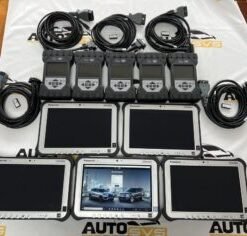
Land Rover Jaguar Diagnostics Kit DOIP with Pathfinder SDD Software and CF-D1 Laptop
Price range: $189.15 through $615.95
Price range: $189.15 through $615.95

Price range: $189.15 through $615.95